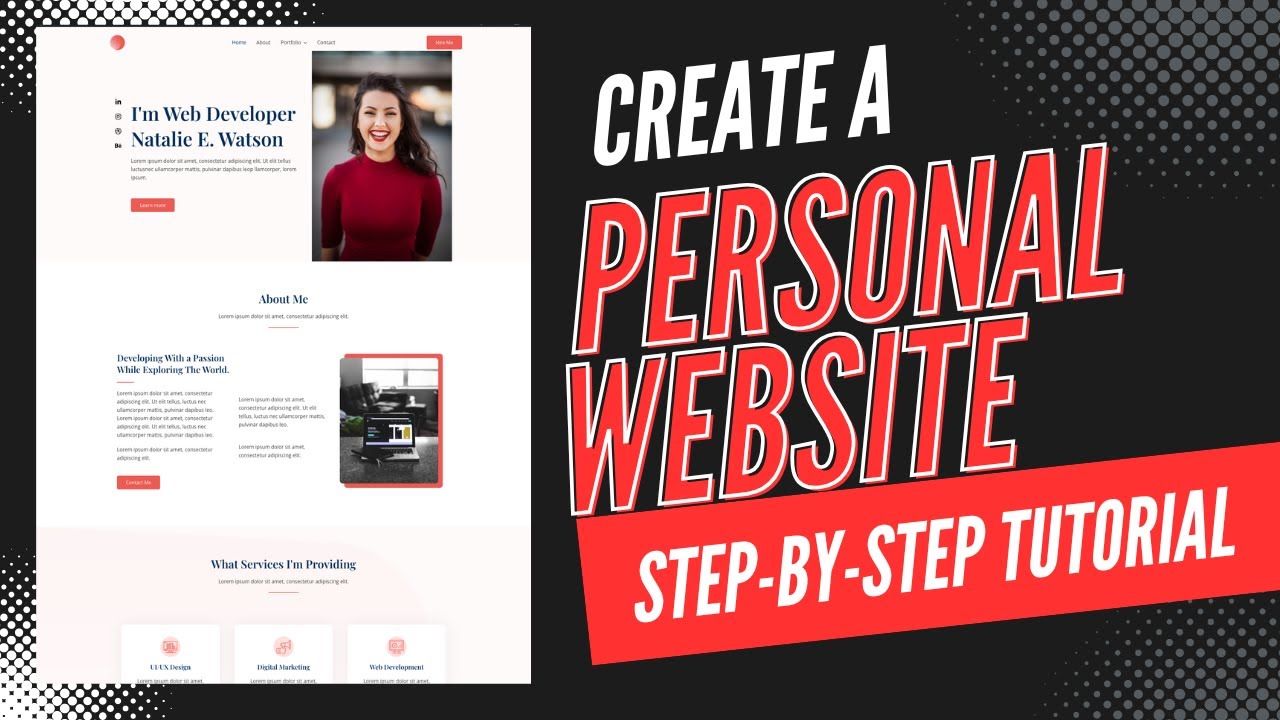
How To Create A Personal Website In WordPress – Personal Website Design Tutorial!
Link to Bluehost: https://wpcupidblog.com/go/bluehost
Disclosure: We receive a commission from Bluehost if you use our link, which adds ZERO cost to you and can only SAVE you money.
In this comprehensive personal website tutorial, learn how to create a professional-looking personal website using WordPress and the Elementor Page Builder. Starting from domain registration and choosing a hosting provider, the video covers every step including installing WordPress, selecting themes, and customizing your website using drag-and-drop features. Additionally, discover the benefits of using Bluehost for your web hosting while getting a free domain name. We also go over how to add a portfolio section on your site along with adding a beautiful image gallery for your WordPress personal website. Follow along to successfully build your personal website from scratch.
Making a personal website in WordPress is a quick and easy process with WordPress and Elementor page builder.
By the end of this video, you will know how to create a personal website, how to make a personal website, and how to build a personal website and should have your website successfully started if you choose to.
You’ll also get a Bluehost discount plus a free domain name for your personal website.
Creating a personal website in WordPress consists of a few steps. You’ll need a domain name for your personal website, as a domain name is the name of your website. You’ll need web hosting that powers your personal website. You’ll then want to install and set up WordPress. You’ll then want to choose a WordPress theme to start creating your WordPress website. In this WordPress personal website tutorial, we go over a ton of pre-made professional WordPress themes you can choose from using Astra Starter Templates and editing the website with Elementor page builder, which is the most popular drag-and-drop editor in WordPress. This makes the personal website design process quick and easy.
Link to Bluehost: https://wpcupidblog.com/go/bluehost
Link To Elementor: https://wpcupidblog.com/go/elementor
Chapters:
00:00 Introduction to Personal Website Design
01:13 Web Hosting & Domain Name
06:01 Install & Setup WordPress
06:37 Hosting Control Panel Overview
07:00 Activate SSL Certificate
07:36 Choosing and Installing a WordPress Theme
11:26 Editing Your WordPress Site with Elementor
19:37 Create & Edit Email Newsletter
22:14 Create & Edit Contact Form
23:45 Elementor Page Builder Overview
25:08 WordPress Dashboard Overview
26:09 Create & Edit Menu
27:12 Customizing Site’s Footers, Header, & Logo
29:04 Global Design & Colors
29:20 Conclusion and Next Steps
Subscribe To Our Channel: https://www.youtube.com/channel/UCNj8vKK87snkArzb1oFxHrg
Let’s Stay Connected
X: https://x.com/wpcupid
Facebook: http://www.facebook.com/WP-Cupid-644671312372625
Pinterest: https://www.pinterest.com/wpcupid
Sponsorships & Business Inquiries: hello@wpcupidblog.com
Music Used In Video:
This Feeling – Atch https://soundcloud.com/atch-music
Creative Commons — Attribution 3.0 Unported — CC BY 3.0
Free Download / Stream: https://bit.ly/atch-this-feeling
Music promoted by Audio Library https://youtu.be/6c-QjUUOUEE
Check out our website:
https://wpcupidblog.com/


コメント